Reset Password and Email Update
How to reset your Game Warden password or update the email address linked to your account.
If you've forgotten your Game Warden password or changed your email address, this guide will walk you through how to restore access to your account.
-
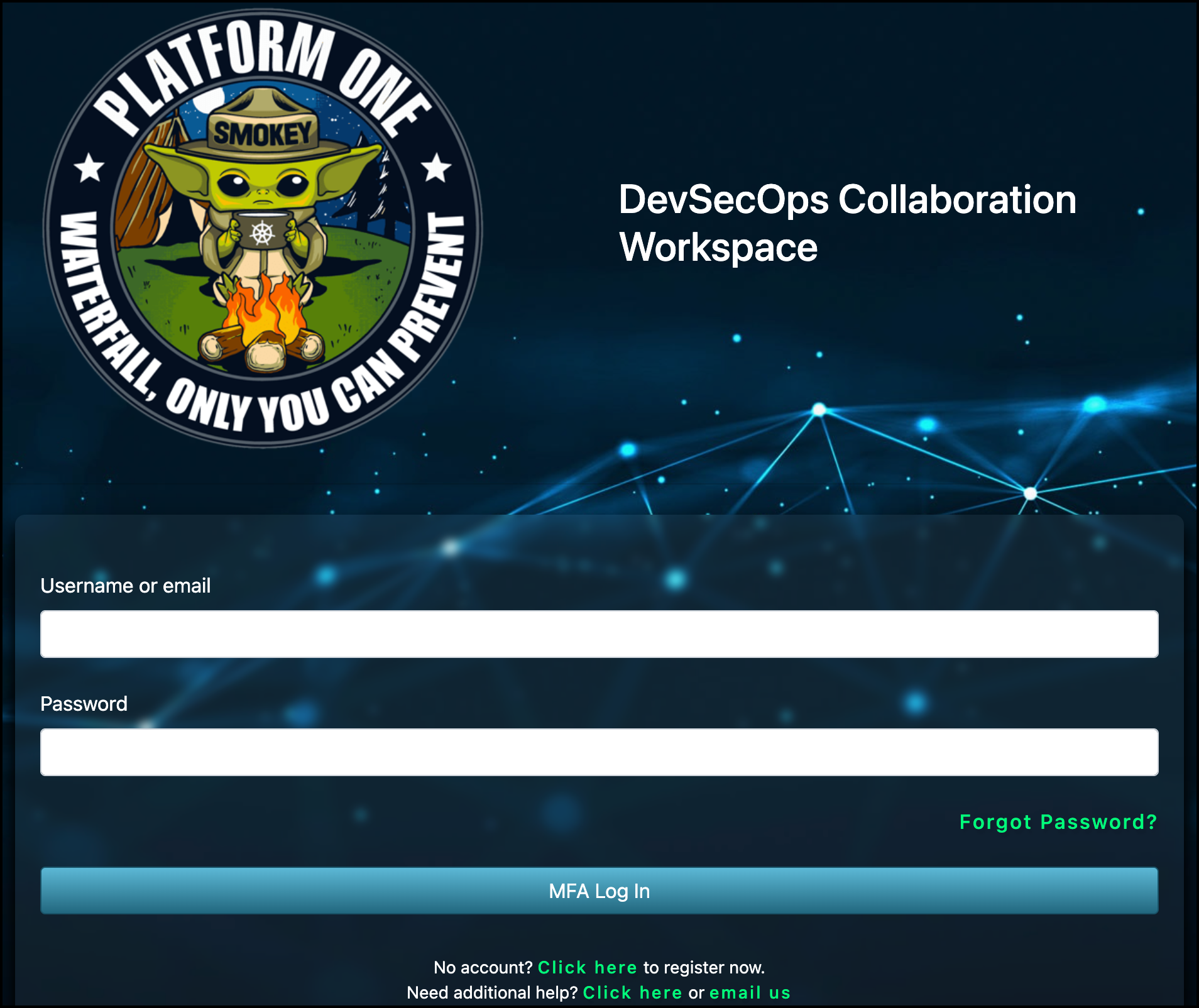
From the Platform One login page, click Forgot password?.
-
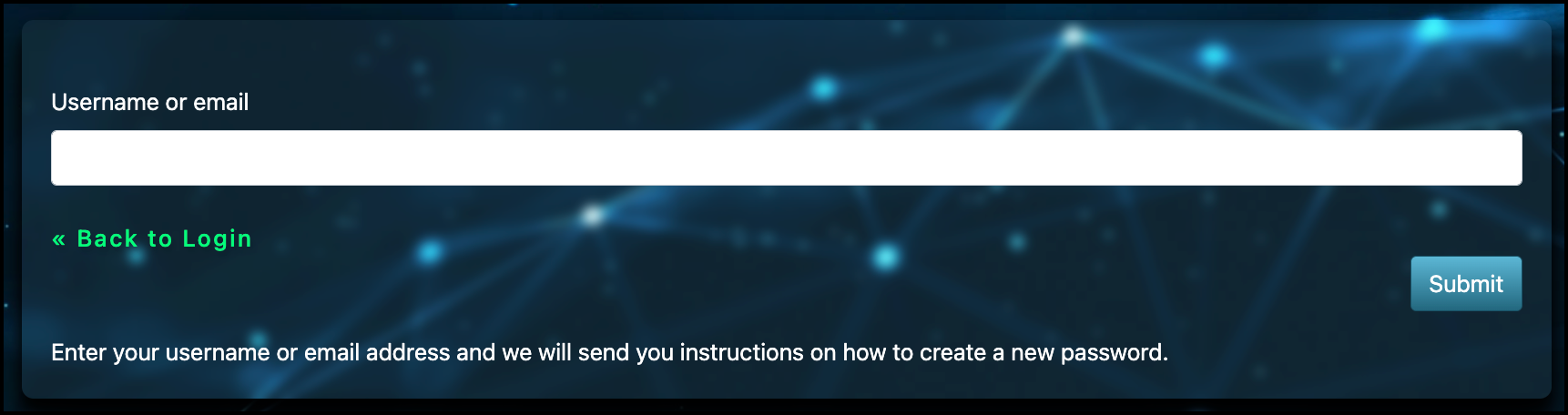
A new page will appear asking for the email address linked to your Game Warden account. Enter your email address and click Submit.
-
Check your email inbox for a password reset message. Follow the instructions in the email to create a new password.
- If you don't see the message, check your Spam or Junk folder.
- If you don't receive a password reset email, it may mean the email you entered is not linked to a Game Warden account. For assistance, contact Second Front via Slack.
-
From the Platform One login page, click Forgot password?.
-
A new page will appear asking for the email address linked to your Game Warden account. Enter your email address and click Submit.
-
Check your email inbox for a password reset message. Follow the instructions in the email to create a new password.
- If you don't see the message, check your Spam or Junk folder.
- If you don't receive a password reset email, it may mean the email you entered is not linked to a Game Warden account. For assistance, contact Second Front via Slack.
If your email address has changed (for example, due to a company domain migration), follow these steps to update your P1 account:
-
Log in to your Platform One (P1) account.
-
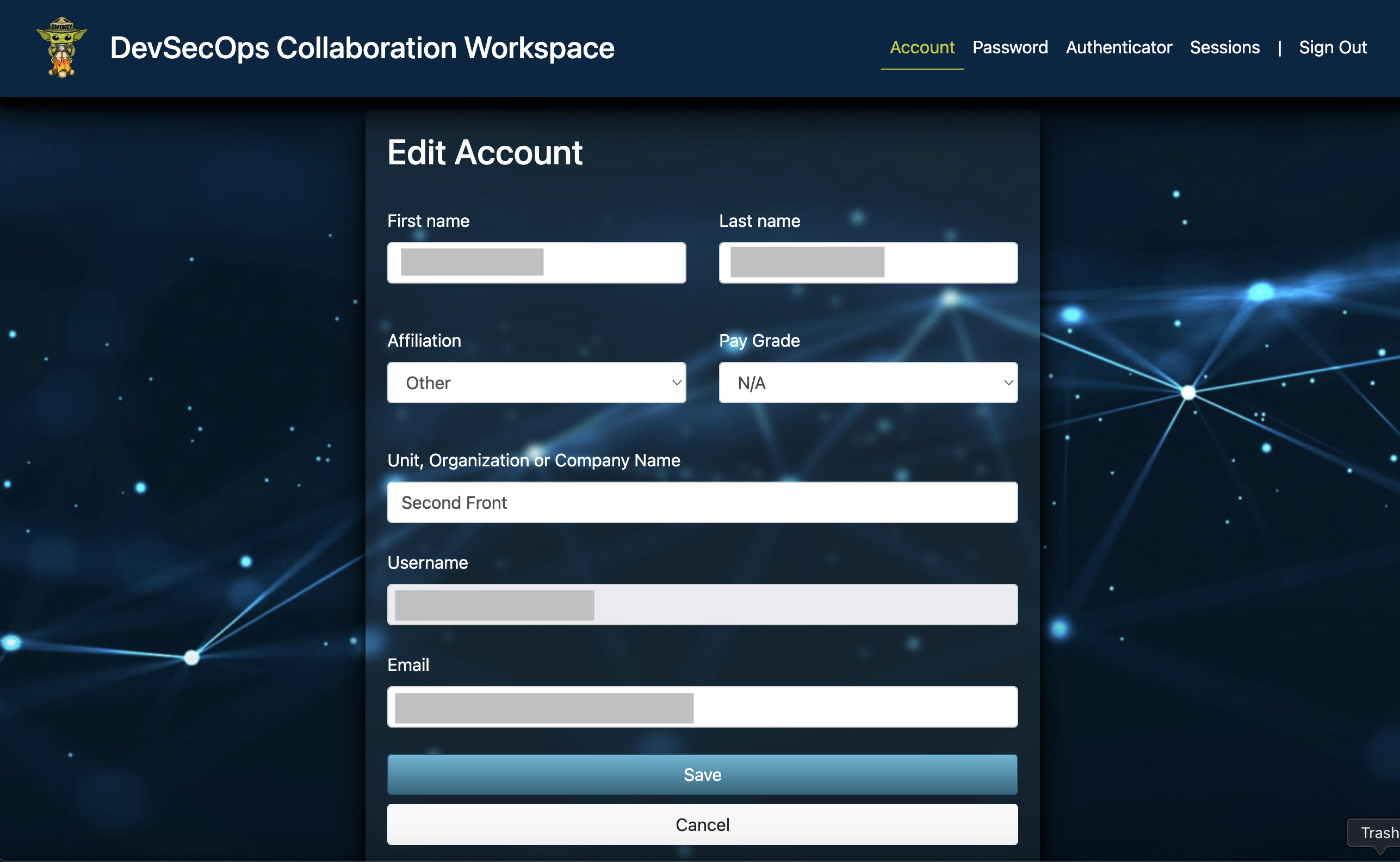
On the Edit Account page, update the Email field with your new address.
-
Click Save. Your updated email will automatically sync across Game Warden systems.